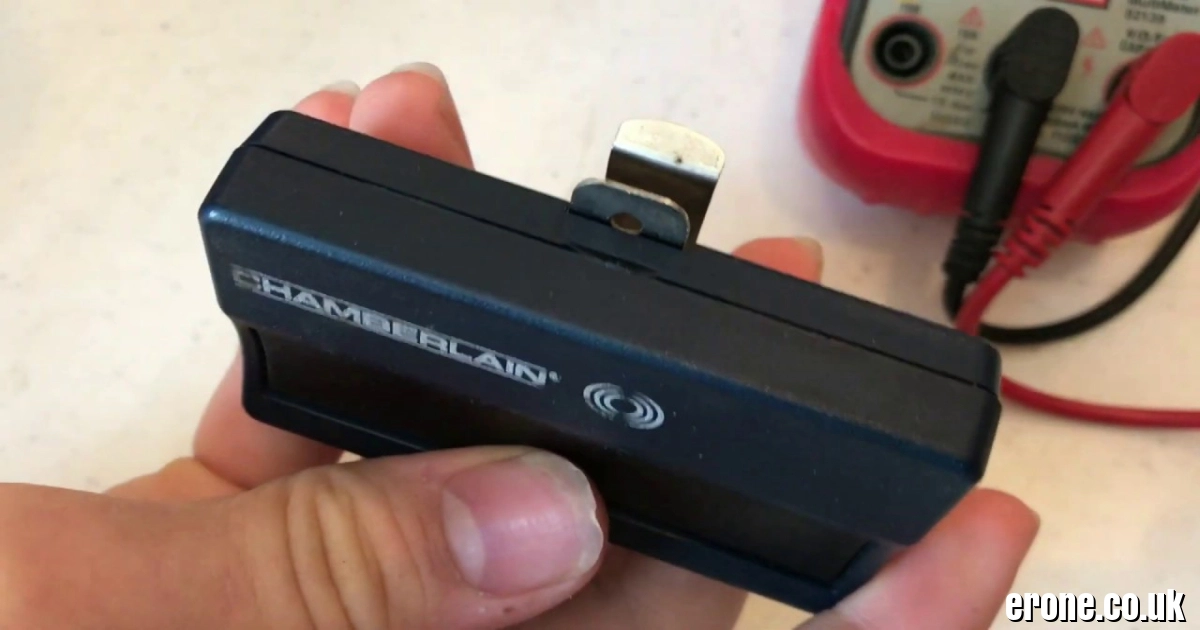
A Chamberlain garage door opener battery is an essential component that keeps your remote controls and backup systems working reliably. Whether you’re using a Chamberlain remote, wall control, or a battery backup garage opener, the battery ensures the system operates smoothly—even during power outages.
Most Chamberlain remote controls use a CR2032 3V lithium coin battery, while garage door opener units with battery backup systems typically use the Chamberlain 4228 (12V) replacement battery. Knowing how to identify and replace these batteries can save time and prevent inconvenient situations where your garage door stops working.
This guide explains battery types, replacement steps, compatible models, and maintenance tips for Chamberlain garage door opener batteries in 2026.
1. Types of Chamberlain Garage Door Opener Batteries
Chamberlain systems usually use two different types of batteries depending on the device.
Remote Control Batteries
Most modern Chamberlain remote controls operate using a CR2032 3V lithium coin cell battery.
Common compatible models include:
-
893MAX
-
953EV-P2
-
950ESTD
These batteries power the wireless signal used to open and close your garage door.
Battery Backup for Opener Units
Some Chamberlain garage door openers include a battery backup feature that allows the door to function even when electricity is unavailable.
These units typically use the:
Chamberlain 4228 / G4228 12-Volt Replacement Battery
This battery ensures the opener can still operate during a power outage, which is required in some U.S. states like California.
You can view the official battery replacement here:
https://www.amazon.com/Chamberlain-LiftMaster-Craftsman-4228-Replacement/dp/B00213KW66
2. How to Replace a Chamberlain Remote Battery
Replacing a Chamberlain remote battery is a simple process that usually takes less than two minutes.
Step-by-Step Replacement Guide
-
Locate the small opening or seam on the remote case.
-
Use a small screwdriver or visor clip to gently pry open the case.
-
Remove the old battery carefully.
-
Insert the new CR2032 battery with the positive (+) side facing up.
-
Snap the remote case back together.
Once completed, the remote should work immediately without needing reprogramming.
Video Demonstration
This short tutorial shows how to replace the battery in a Chamberlain remote:
https://www.youtube.com/shorts/u7LTayW5-dc
3. Replacing the Battery Backup in a Garage Door Opener
If your garage door opener has a battery backup system, the replacement process is slightly different.
Steps for Replacing the 4228 Backup Battery
-
Disconnect power from the garage door opener.
-
Open the battery compartment panel on the motor unit.
-
Remove the old 12V battery.
-
Disconnect the red and black wires.
-
Connect the wires to the new Chamberlain 4228 battery.
-
Place the battery inside the compartment and close the cover.
After installation, reconnect power to the opener.
Battery Replacement Example
Watch this short demonstration:
https://www.youtube.com/shorts/5ZBJ1h-rinM
Replacement batteries are available from retailers like Home Depot:
https://www.homedepot.com/p/Chamberlain-Garage-Door-Opener-Battery-Replacement-4228/100672031
4. Compatible Chamberlain Remote Models and Batteries
Different Chamberlain remotes use different battery types.
CR2032 Coin Cell Models
Many popular remotes use CR2032 batteries, including:
-
953EV-P2
-
950ESTD
These batteries usually last 2–5 years depending on usage.
AAA Battery Models
Some remotes, such as:
-
892LT
-
894LT
use AAA batteries instead of coin cells.
Always check the model number on the remote to confirm the correct battery type.
5. Signs Your Chamberlain Battery Needs Replacement
Garage door opener batteries eventually wear out and need replacement.
Common Warning Signs
You may notice:
-
Reduced remote range
-
Garage door responding slowly
-
LED indicator blinking
-
Battery warning light on the opener unit
For backup batteries, a warning beep may occur every 30–60 seconds, indicating the battery is low.
Typical Battery Lifespan
-
Remote batteries: 2–5 years
-
Backup batteries: 3–5 years
Replacing the battery promptly prevents garage access problems.
6. Tips for Maintaining Your Garage Door Opener Battery
Proper care can help extend battery life and maintain reliable operation.
Best Maintenance Practices
Follow these simple tips:
-
Replace batteries every few years even if still working.
-
Keep remotes away from extreme heat or cold.
-
Use high-quality lithium batteries for longer life.
-
Clean battery contacts if corrosion appears.
Official Chamberlain Support
You can also find official replacement instructions here:
https://support.chamberlaingroup.com/s/article/How-do-I-remove-and-replace-the-battery-in-my-remote-control-1484145519292
Conclusion
The Chamberlain garage door opener battery plays a critical role in ensuring your garage door operates smoothly and reliably. Most remote controls use a CR2032 3V lithium battery, while garage door openers with backup systems rely on the Chamberlain 4228 12V battery.
Replacing these batteries is a simple process that takes only a few minutes, yet it prevents frustrating situations where the garage door fails to open. By choosing the correct battery, installing it properly, and following basic maintenance tips, homeowners can keep their Chamberlain garage door opener working efficiently for years to come.